0. Design Concept
I couldn't complete the assignment as I was not able to compose 3 parts that could be cut and snap together. I had a hard time coming up with a design that met these requirements, and I struggled to figure out how to create the necessary geometry in FreeCAD.
1. Parametric Design in FreeCAD
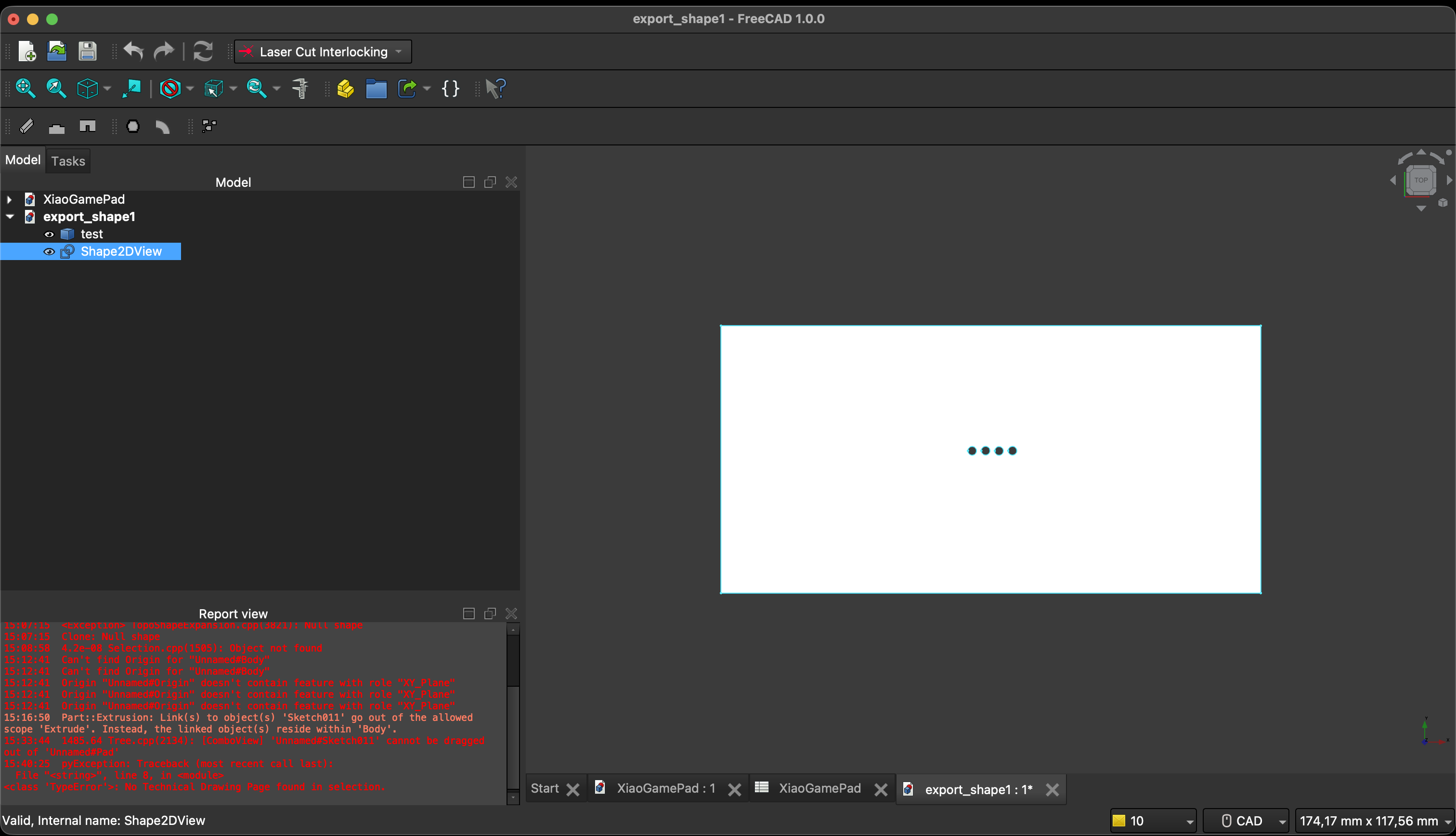
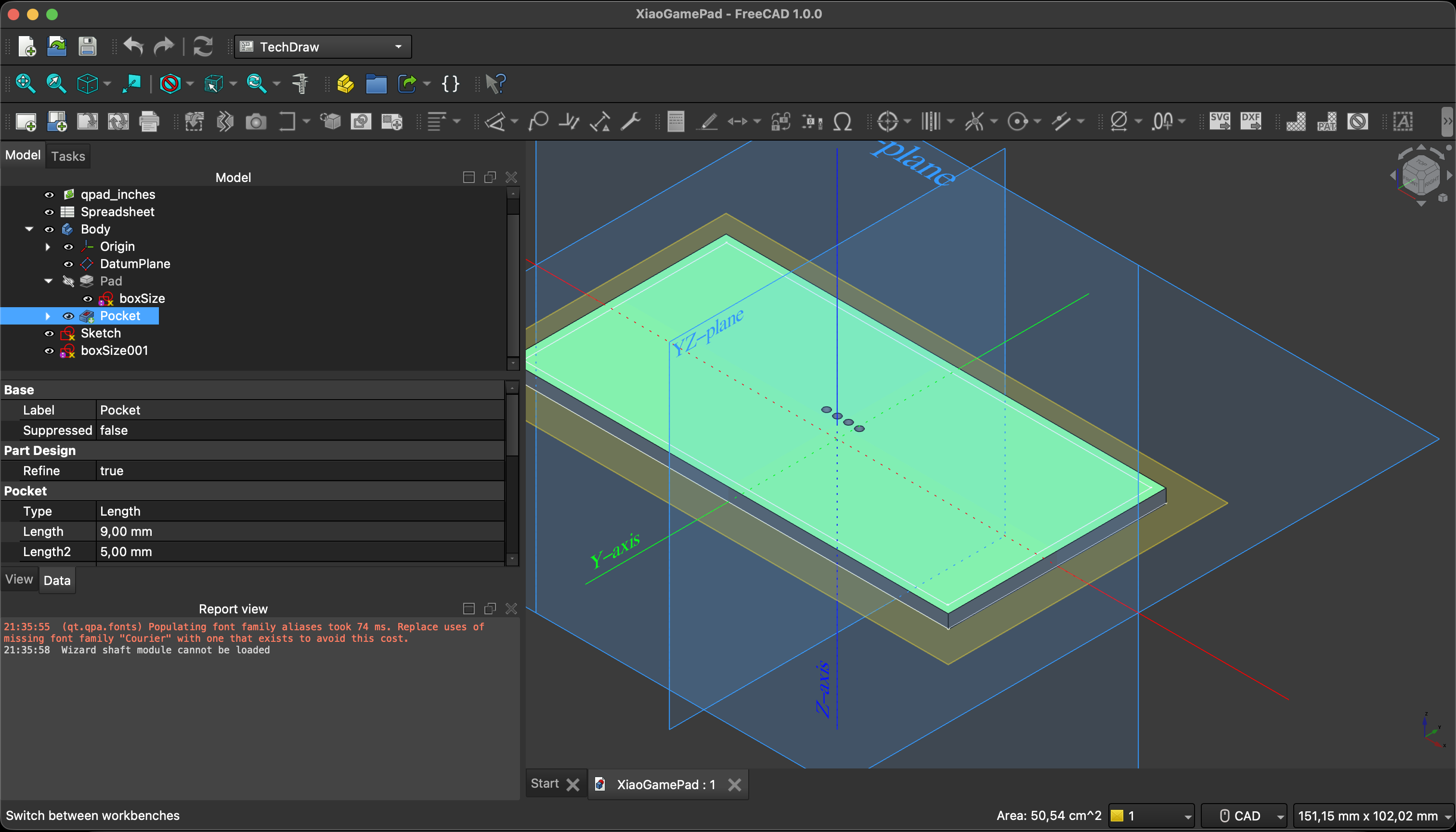
I created a parametric design in FreeCAD using the Spreadsheet workbench to define parameters such as material thickness and slot widths. I linked these parameters to the dimensions in my sketch and part design, allowing me to easily adjust the design by changing the values in the spreadsheet.
2. Laying Out Parts with TechDraw & Inkscape
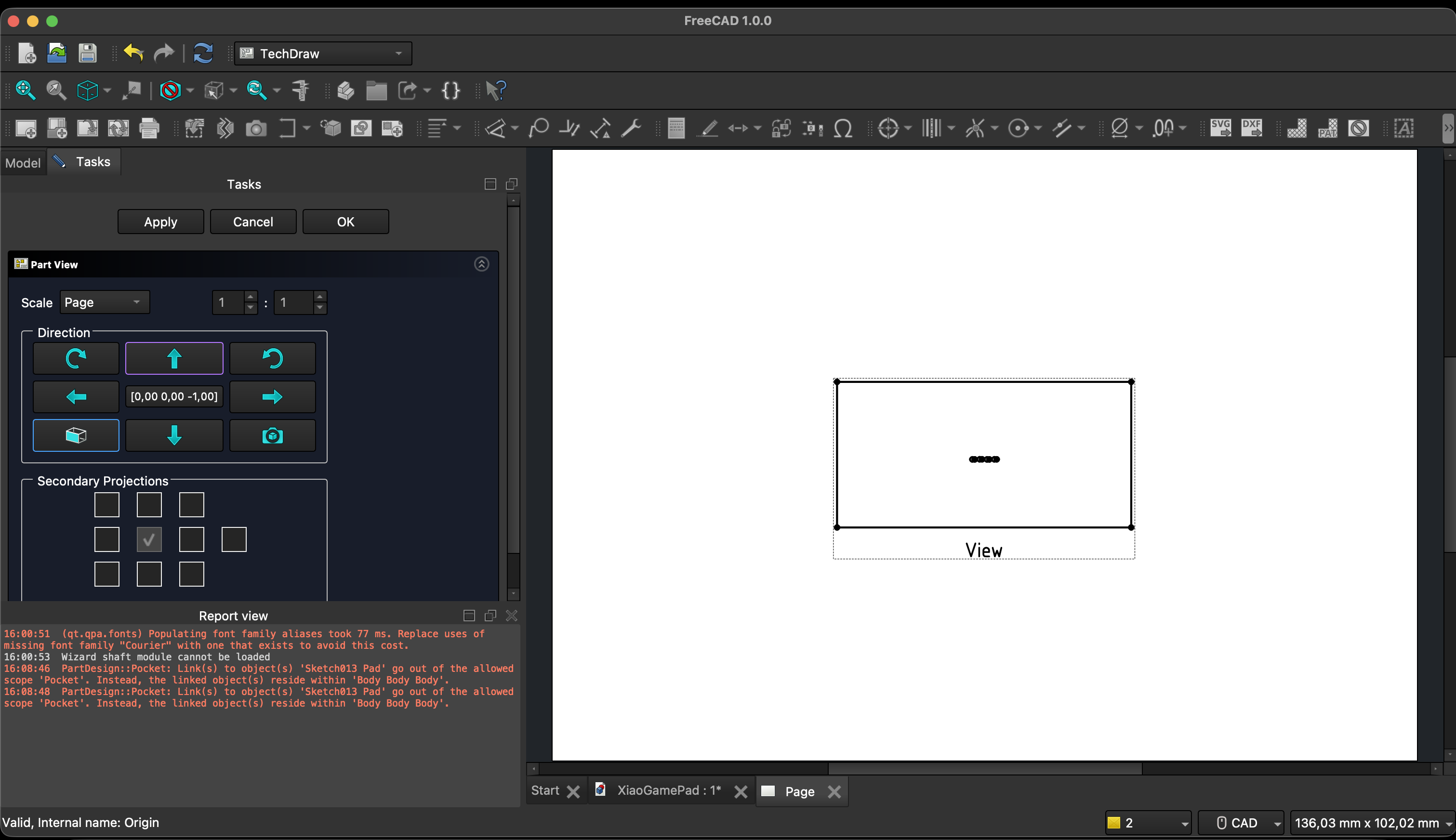
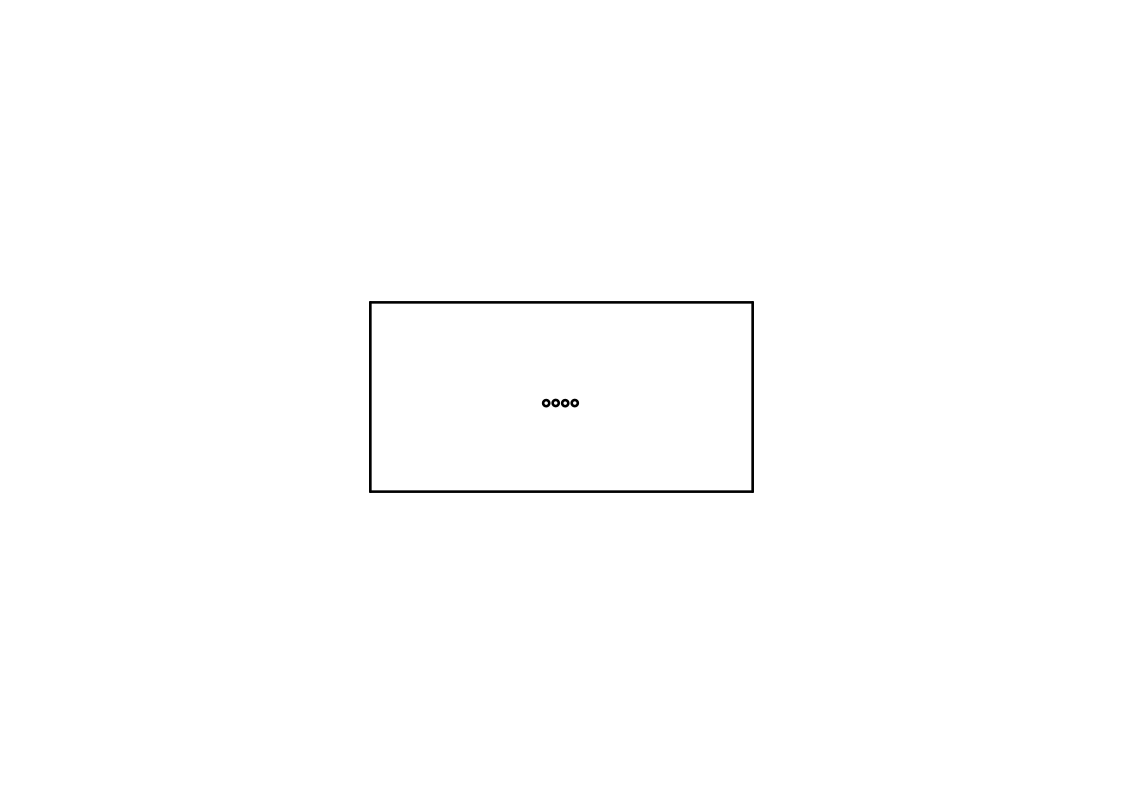
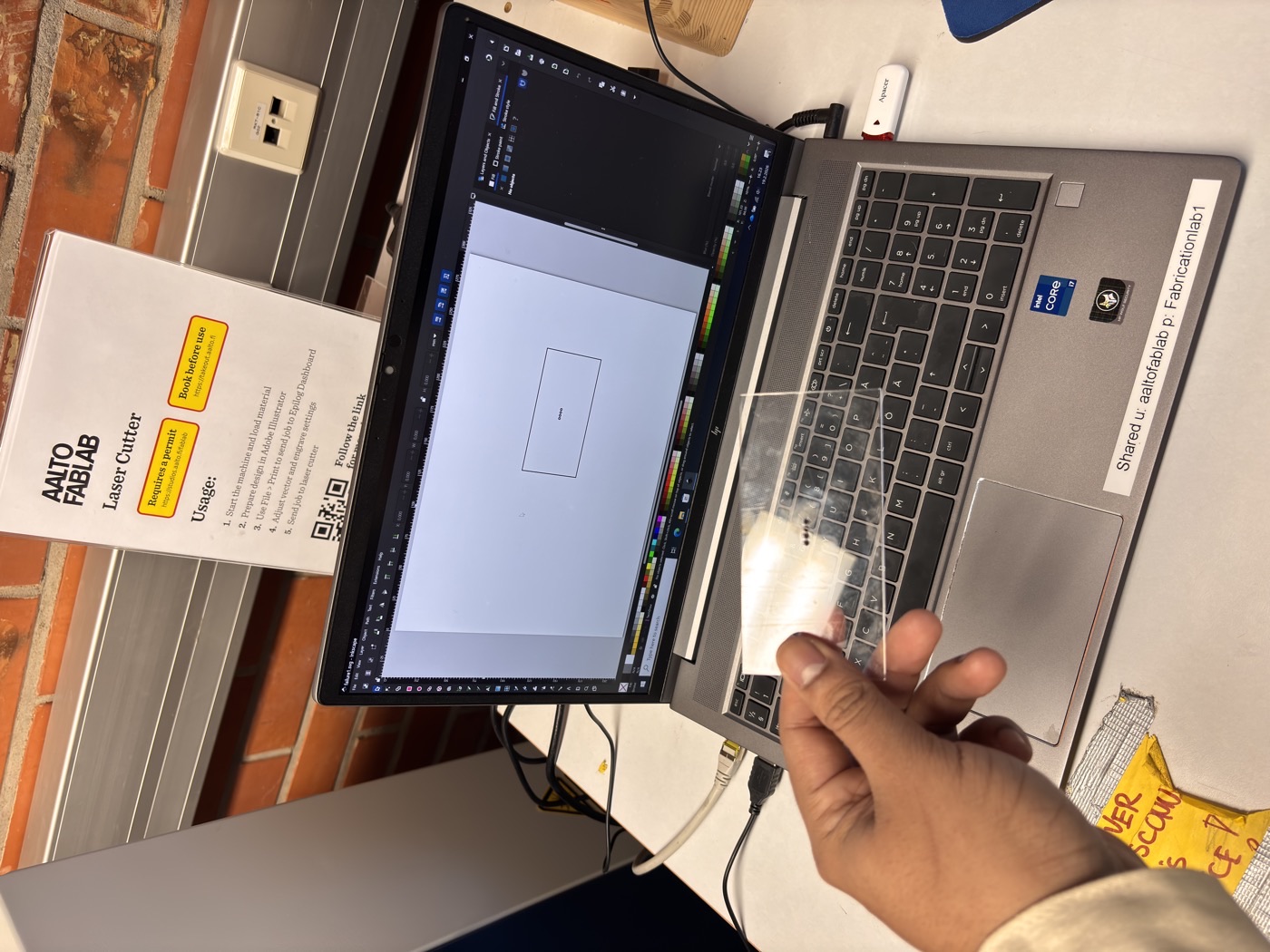
I used the TechDraw workbench to create a drawing of the parts and then exported it as an SVG file. I opened the SVG in Inkscape to clean up the layout and prepare it for laser cutting. In Inkscape, I adjusted the stroke widths to ensure that cut lines were set to a specific width for cutting (e.g., 0.01mm). I reused some material there to minimize material waste.
Download the SVG cutting file: xiao-pad-base.svg
3. Laser Cutting: Epilog Dashboard & Results
I used the Epilog Dashboard software to set up the cutting parameters for the material I was using (e.g., 3mm acrylic cutting). I imported the SVG file into the dashboard, set the appropriate power, speed, and frequency settings for cutting, and then sent the job to the laser cutter. I then check the level of the bed and the focus of the laser before starting the cut. I set the extractor and then pressed start. The machine cut the parts according to the design.
4. Project File
Download the FreeCAD project file: assignment-03-04.zip